Tennis tournament software
A club tennis event has singles and doubles draws, long matches and courts that free up at different times. Matchday handles the draw, the timetable and the scores, so you can stop juggling printed draw sheets and scores called in at the clubhouse.
Your first 10 events are free. Works in your browser, or get the app on the App Store or Google Play.
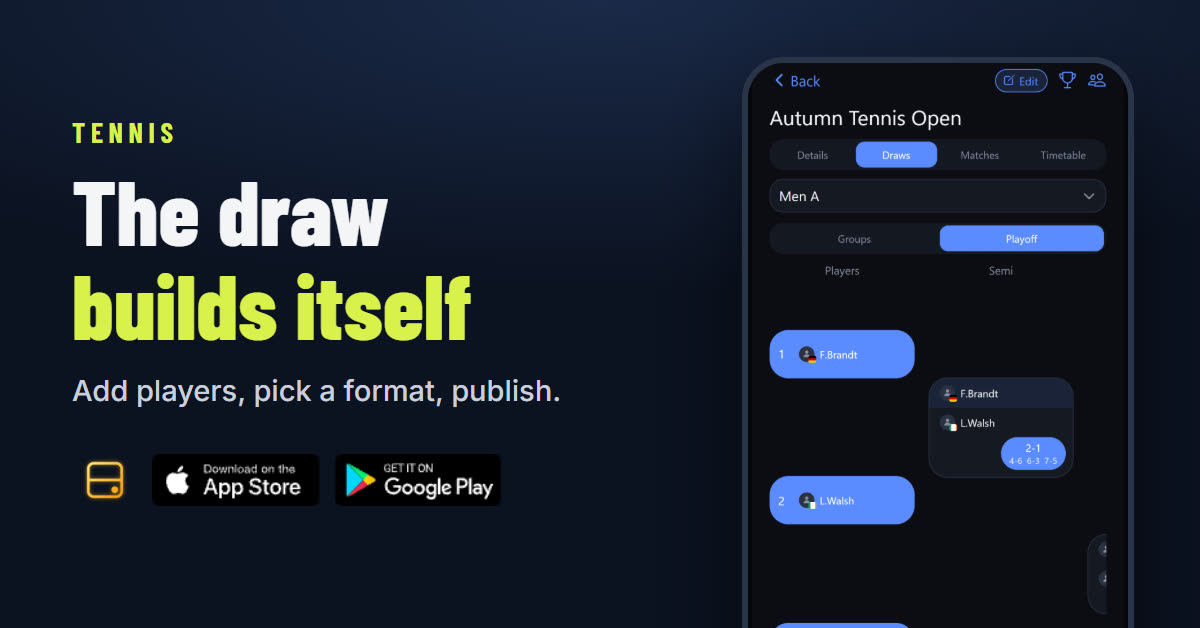
What you get for your tennis tournament
- Draws that build themselves. Add entries, order your seeds and generate the draw.
- A timetable with your courts. Everyone can see when and where they play.
- Scores everyone can follow. Enter a result and the tables and bracket update on their own.
- One link for the whole event. Share it with your players, with no group chat updates needed.
Tennis scheduling for clubs and leagues
Matchday is also your online tennis scheduling tool. Add your courts and play days, and every match gets a court and a time. Run a one-day tennis tournament, a weekend with several categories, or a league spread over weeks. Players see one timetable that updates as results come in.
Tennis scoring, already set up
Singles and doubles are both supported. Matchday offers these formats:
- Best of 1, 3 or 5 sets, with the deciding set as a full set, a tiebreak to 7 or a super tiebreak to 10.
Choose your format
Run a round robin, a knockout, groups into a knockout, or a league with a table.
- How to run a round robin tournament
- How to run a knockout tournament
- How to run a tournament with groups and a knockout
- How to run an Americano tournament
- How to run a Mexicano tournament
- How to run a sports league at your club
How to run a tennis tournament on Matchday
- Name your event and choose Tennis.
- Confirm the scoring.
- Add your venue and courts.
- Pick your format.
- Add your players.
- Generate the draw and share the link.
Your first 10 events are free. Works in your browser, or get the app on the App Store or Google Play.